
Activity 1: Sensor Match Game
Drag each human sense to the matching machine sensor. Learn how our senses are similar to how machines sense the world!
Match Human Senses with Machine Sensors
Human Senses
Machine Sensors
Sees light and images
Hears sounds
Feels heat and cold
Smells chemicals in air
Tastes substances
Activity 2: Find the Sensors
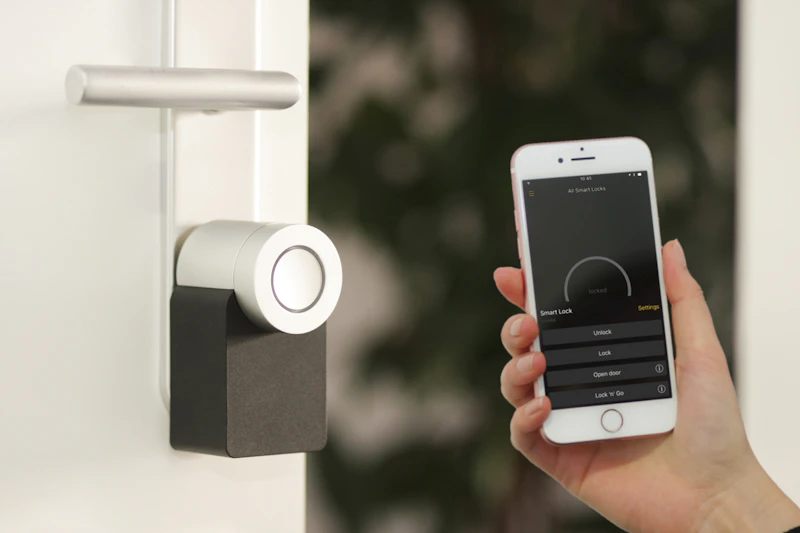
Click on the sensors in this smart home to discover what they do and where you might find them in real life!
Smart Home Sensor Hunt
Motion Sensor
Detects movement in a room. Turns lights on when someone enters.
Found in: Security systems, automatic doors
Temperature Sensor
Measures how hot or cold a room is. Adjusts heating or AC automatically.
Found in: Thermostats, refrigerators
Camera Sensor
Takes pictures or videos. Can recognize faces or objects.
Found in: Security cameras, smartphones
Smoke Sensor
Detects smoke in the air. Alerts you if there might be a fire.
Found in: Smoke detectors, fire alarms
Light Sensor
Measures how bright or dark it is. Adjusts screen brightness or turns lights on/off.
Found in: Smartphones, streetlights, cameras
Found 0 out of 5 sensors! Click on each glowing dot to learn about different sensors.
Activity 3: Sensor Simulator
Adjust the sensor inputs and see how our robot friend responds to different environmental conditions!
Robot Sensor Response Simulator
Robot's Response:
Adjust the sliders to see how I react to different conditions!
Teacher's Guide
Learning Objectives & IB Connections
IB PYP Transdisciplinary Theme: How the World Works
Central Idea: Machines use sensors to gather information about their environment, similar to how humans use senses.
Key Concepts: Form (What are sensors?), Function (How do they work?), Connection (How are human senses similar to machine sensors?)
IB Learner Profile: Inquirers, Thinkers, Communicators
Lesson Duration & Structure
Total Time: 2 periods (60 minutes each)
Period 1: Introduction to senses and sensors (Activity 1 & 2)
Period 2: Hands-on exploration and simulation (Activity 3 and extension activities)
Teaching Methodology
Inquiry-Based Learning: Start with questions like "How do you know when it's hot outside?" then connect to "How could a machine know?"
Hands-On Exploration: Bring real sensors to class (thermometer, light meter from phone) for students to experiment with.
Collaborative Learning: In pairs, students can discuss and complete the matching activity together.
Differentiation Strategies: Provide visual aids for visual learners, hands-on materials for kinesthetic learners, and group discussion for auditory learners.
Materials & Resources
- Interactive whiteboard or projector for displaying activities
- Tablets or computers for students to interact with the digital activities
- Real sensors (thermometer, light sensor app on phone, microphone)
- Printed worksheets with sensor matching activity
- "Mystery box" with different textured objects for touch sensor discussion
Key Discussion Questions
- What are the five main human senses? How do they help us?
- If you were designing a robot to clean your room, what sensors would it need?
- How is a camera like an eye? How is it different?
- Can you think of a machine that uses more than one sensor?
- What would happen if a self-driving car didn't have any sensors?
Extension Activities
- Sensor Scavenger Hunt: Students find devices with sensors around the school.
- Design Your Own Sensor: Draw and describe a sensor for a specific purpose (e.g., homework detector, candy finder).
- Blindfolded Sensor Test: Students try to identify objects using only one sense at a time.
- Future Sensors: Imagine and draw what sensors might exist in 50 years.
Assessment Strategies
- Formative: Observe student interactions with the digital activities, note participation in discussions.
- Summative: Worksheet matching sensors to their functions, short presentation on a favorite sensor.
- Self-Assessment: "I can" statements checklist completed by students at the end of the module.
Common Misconceptions to Address
- Machines "feel" things like humans do (emphasize that sensors detect but don't feel emotions).
- All machines have the same sensors (different machines need different sensors for their jobs).
- Sensors always work perfectly (discuss how sensors can sometimes make mistakes, like a motion sensor triggered by a pet).